Skylight App
Skylight Frame
4.8
Detalles de la Versión
| País del Editor | US |
| Fecha de Lanzamiento en el País | 2018-10-15 |
| Categorías | Lifestyle, Photo & Video |
| Países / Regiones | US |
| Sitio Web del Desarrollador | Skylight Frame |
| URL de Soporte | Skylight Frame |
| Clasificación de Contenido | 4+ |
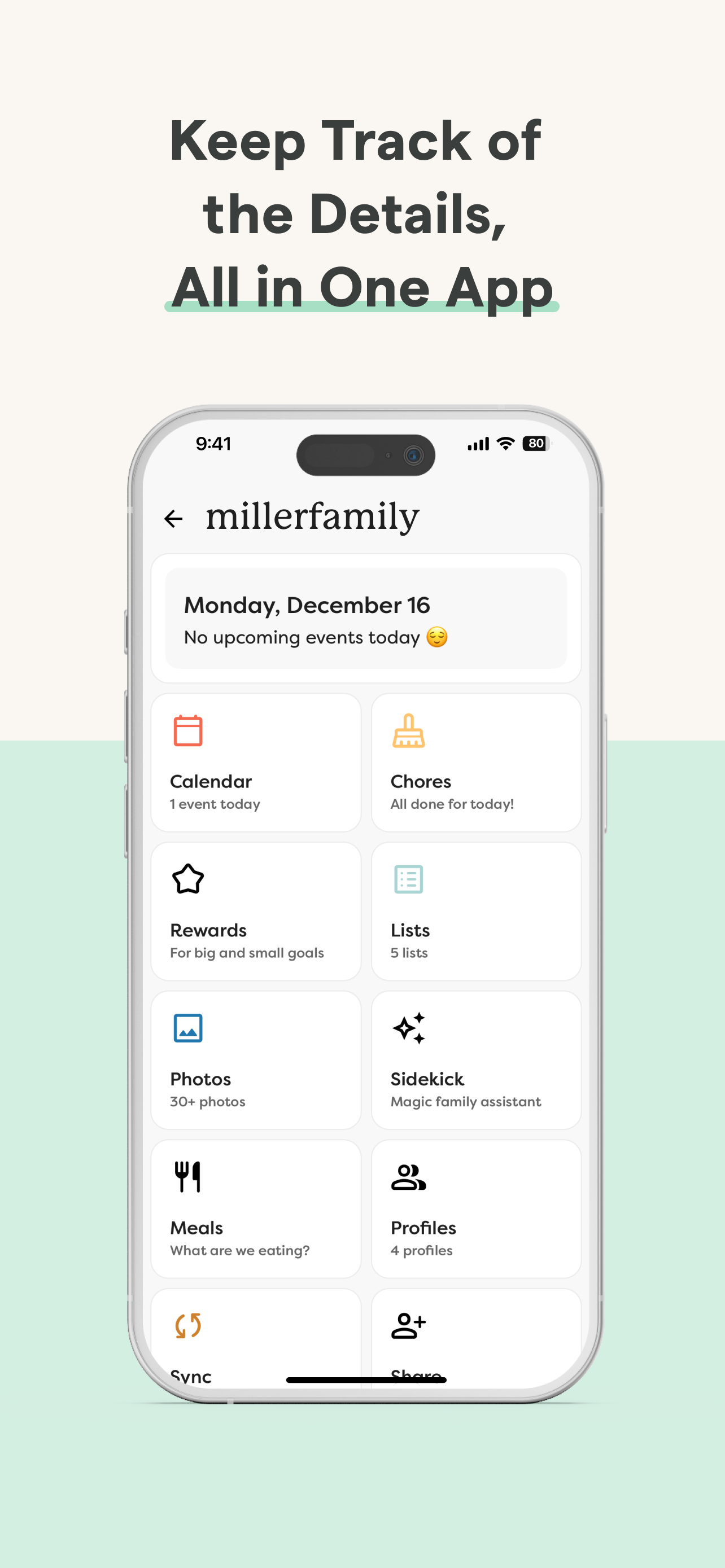
Skylight is the operating system for your family, bringing everyone’s calendars, lists, routines, and memories into one place. The Skylight App can be used to activate and manage your Skylight Calendar and Skylight Frame.
Skylight Calendar
- Sync unlimited calendars or create events directly
- Set recurring chores & routines to keep everyone aligned
- Share grocery and to-do lists, plus more!
- Earn stars and unlock Rewards for completed tasks [PLUS]
- Build your family recipe book & meal plans [PLUS]
- Upload photos & videos to use as screensavers [PLUS]
- Auto-import events, PDFs, recipes & more [PLUS]
Skylight Frame
- Easy setup: Connect to WiFi and go
- Add photos anytime, anywhere via app or email
- Create unlimited albums with captions
- Upload videos and customize your display [PLUS]
You can find our Terms of Service here: https://myskylight.com/tos/
Download Skylight App
Not Available
Calificación Promedio
40.46K+
Desglose de Calificaciones
Reseñas Destacadas
Por Bhoelle1809
2023-05-29
Versión 1.52.0
accessibilitysocial_and_communityloginnotificationsuser_data_and_privacyThere are surely tons of reviews praising how great this digital frame is, so I’ll keep this brief and just say how incredibly easy it is to use. It’s a breeze to set up, with simple, concise explanations in the instructions. Anyone could do it (at ANY age). Transferring photos is a breeze. I love that you can simply email the photos and they’ll show up on the frame. It may seem a bit archaic, but it really is the best way. I was expecting to have to download the app, grant various permissions, disable superfluous notifications, upload digital media, then get blocked because I didn’t log in first, get redirected to a webpage to create a separate account, go through two-factor authentic——- You get it. Everyone forces this crap upon us these days. But not Skylight! I feel very confident getting this product for my parents - or even grandparents - and letting them figure it out. They aren’t technology illiterate, but many companies and products have so many steps, involving many different applications, that it can be confusing for people not entirely used to this sort of thing. And that’s why I praise Skylight for the ability to simply email photos and be done with it. Obviously there is an app, and there is the option to upload directly from your phone, but the fact that it’s possible to simply email them is a huge PRO in my opinion. I like it when companies remember that sometimes simple really is the best way forward.
Por Ready and Abel
2022-03-15
Versión 1.32
gamificationsocial_and_communityoffline_functionalityWe have given a Skylight frame to our grandma’s and the whole family shares photos effortlessly that they enjoy. We live far away from them and their health is poor so it keeps us connected. They love to see photos and videos of their kids, grandkids, and great grandkids on a regular basis. I purchased the upgrade in the app so we have more control and they can also receive short videos. That purchase applied to both frames which is nice. The grandma’s absolutely love their Skylight Frames and we love the ease of sharing and managing from afar. The only thing required was getting assistance connecting the frame to their internet wifi, which was easy to talk our helpers through. I was able to create the account and do everything else from 2000 miles away. People sharing have the option of emailing photos/short video clips or downloading the app (which is very user friendly and intuitive). After setup, I was able to share the information with other family members via a brief text to get them started. Bottom line- all parties involved love this device and sharing service. It is simple, doesn’t take much time, and brings so much joy. We haven’t experienced any negatives yet and have been using for over 6 months.
Por Dose_of_UAT_Reality
2022-12-09
Versión 1.40
performance_and_bugsaccessibilitysocial_and_communitymonetizationLike many others’ situation, we got the Skylight to easily share photos with my Mom from afar because traveling to see her is not easy. Great way to stay connected, and she loves having fresh content show up without her having to do anything. The concept is nice. The app thus far works fairly well but needs enhancements. First of all, one cannot really (in our experience) load anywhere near 50 photos at a time from the app; uploads choke or become crawlingly slow for batches larger than 5-6 photos. While the “progress bar” concept for each photo as it’s uploading is nice, it’s also deceptive because it is hard to tell when each photo is actually complete. (A 99% bar looks just like a 100% done bar, but it’s not DONE.) A small check or tick mark as each photo completes would help. It’s also frankly annoying to bait the user with features such as “say something about this photo” - features that take up a substantial fraction of the screen viewing area, when it would be nice to just see the actual PHOTOS a little larger - only to redirect the user to the Skylight Plus subscription screen when those “extras” are clicked. I’d prefer that the service just be clear about what is a “premium” vs. a standard feature, design cleanly around each set of capabilities, and not try to constantly slam users into paying more. Not everyone wants or need the Plus features.
Capturas de Pantalla